

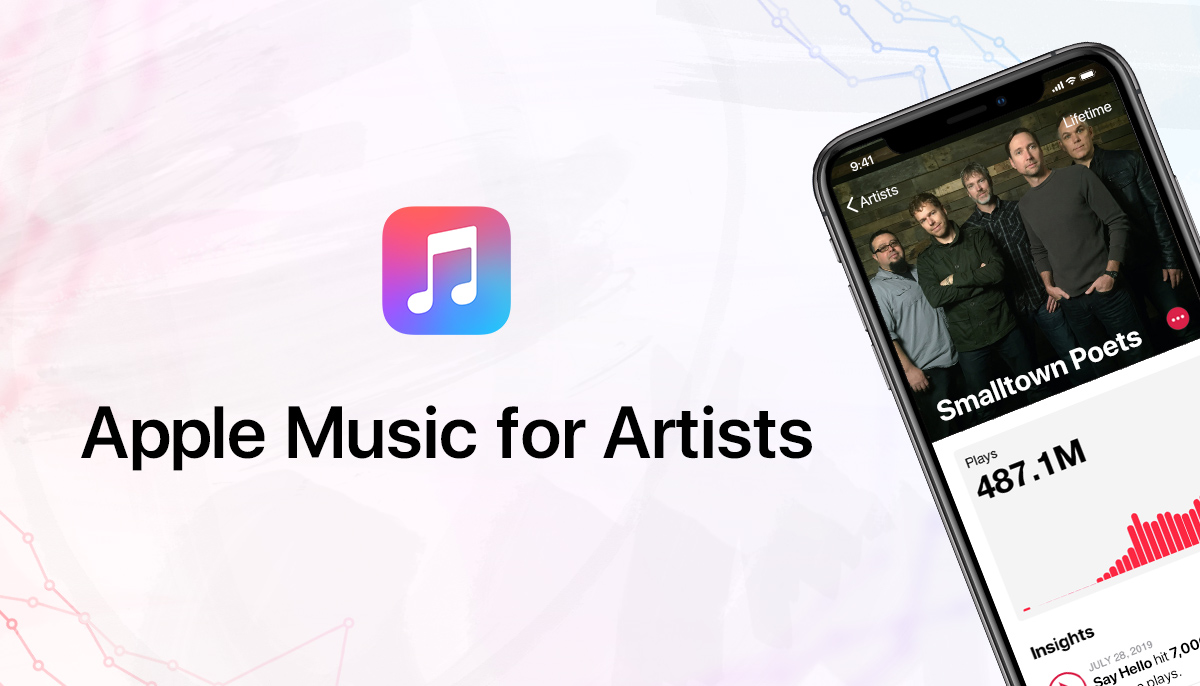
Every artist needs to know how influential their music is on the most popular streaming platforms. Apple Music for Artists allows them to do that. It is a specific platform developed for managing artist pages and seeing how the music is performing.
Every artist registered on the platform can update or change their profile image and get access to insightful data on their songs and albums on Apple Music, as well as sales on iTunes Store and on Shazams (bought by Apple in 2018).
To access all the options of Apple Music for Artists, you must sign in with your Apple ID. You can use your already existing personal Apple ID, a professional email address, or create a special ID with your email address. Then, you can go to the corresponding page and click “Sign Up.” After that, you will start searching by the artist’s name for the individual page where all the statistics are available. Before that, you need to fill out the requested fields and justify the claim. You have to provide all the required current information and add some more data in the “Notes” section, for example, UPC and ISRC codes of your releases.
If you are an artist, label, or manager of the project, you can update your profile image. It should be 2,400×2,400 px minimum size, with the artist’s face in the center, and using high resolution without any blur.
You can also update your bio on Apple Music with the date of foundation for bands or projects, the city, links to your Apple Music artist pages, and the UPC code of your last release.
Apple Music for Artists allows measuring the performance of your music in such categories as Plays (including radio stations), Average Daily Listeners, Purchases, Shazams, Milestones, and Video Views.
Apple Music for Artists provides all performance-level data about all the music pieces where you are listed as a primary performer/author. You can get the measured analytics for such types of content as songs, albums, playlists, and videos.
You can also use the “Places” tab to see where your listeners are from by region, city, or country. You may apply filters here to track the popularity of your new releases and even predict where they might become popular.
There is also the “Trends” tab where you can uncover insights about your music’s successful performance. You may compare your listeners’ data in terms of their gender, location, age, and preferences.
The data is refreshed daily and shown in UTC (Coordinated Universal Time). The data on new releases takes about 48 hours to be displayed in your dashboard. You can also download the data from your full catalog in the “Your Music” section.
Of course, success can mean different things for every individual artist. When you see and track all the insights, you can plan your future releases and decide on what should be improved.



