

MusConv easily imports your playlists and favorites from CSV to NetEase Music
Start now!




With MusConv you can easily transfer all your music from CSV to NetEase Music
How to import CSV to NetEase Music?
Transferring between CSV to NetEase Music has never been easier! Try it out!
You need to perform 4 easy steps to migrate between two services:
1 Select CSV as source service
2 Select playlists you want to transfer
3 Select NetEase Music as destination service

4 Enjoy a cup of tea while MusConv works for you 😉
Once finished, your playlists and songs will be available on NetEase Music.
Move From CSV to NetEase Music – Video Tutorial
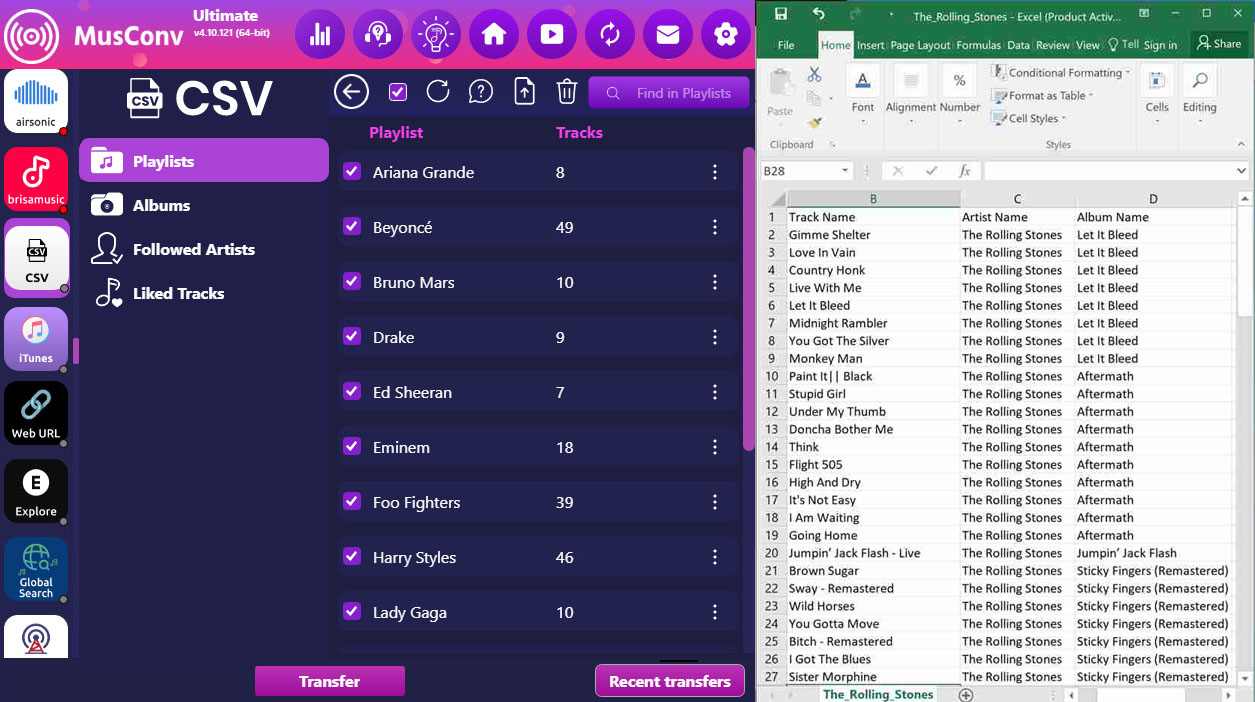
MusConv is a great playlist transfer app.


