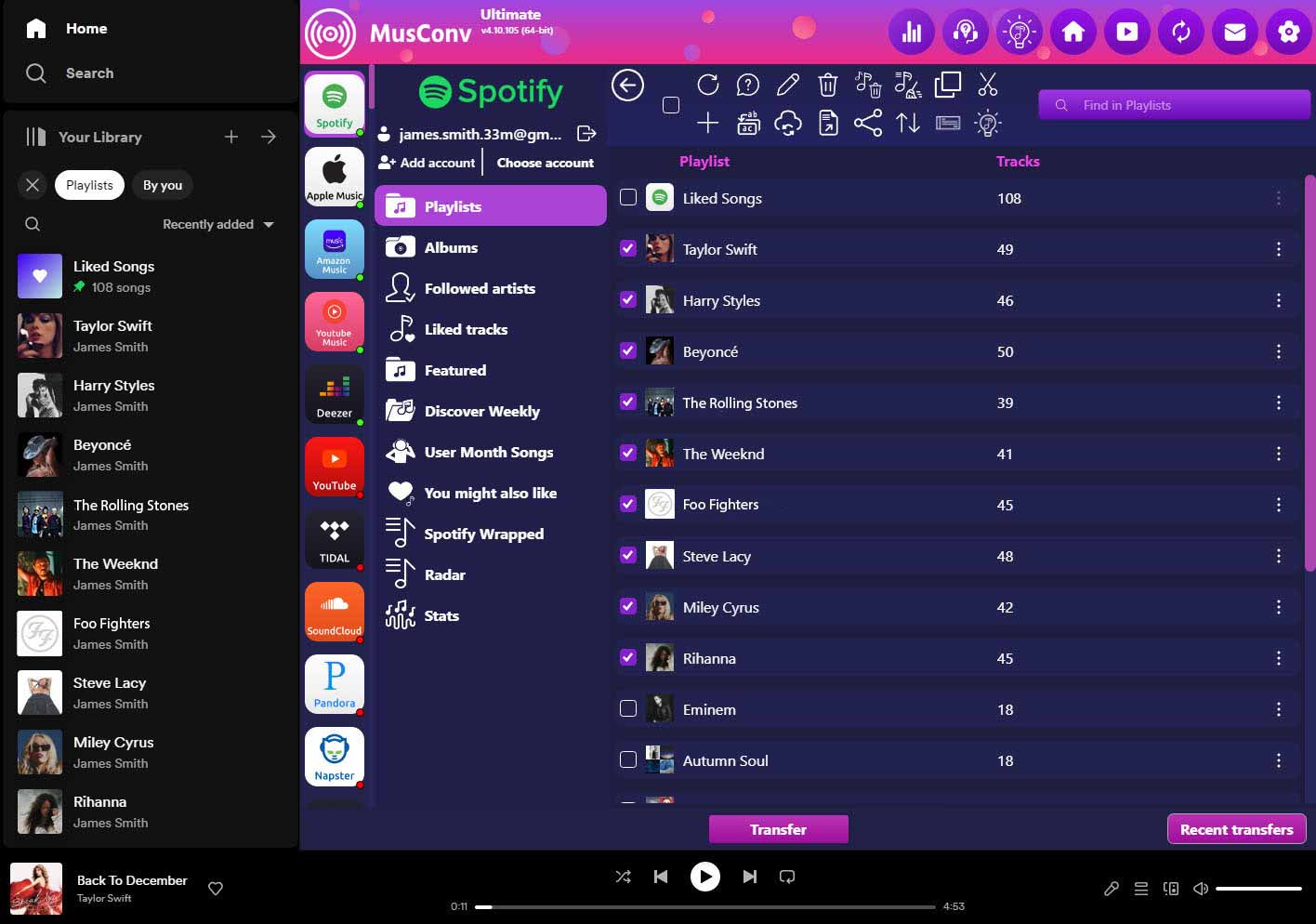
In today’s digital era, music lovers are constantly seeking ways to organize and share their favorite tracks seamlessly. As streaming services continue to gain popularity, users often find themselves with multiple playlists scattered across different platforms. Recognizing this need for a unified playlist management solution, MusConv has emerged as a leading service, offering an efficient transfer app that allows users to import CSV playlists to YouTube effortlessly.
CSV, short for Comma-Separated Values, is a file format commonly used for storing tabular data. In the context of playlists, a CSV file contains a list of songs along with corresponding metadata, such as the track name, artist, album, and duration. By leveraging MusConv’s powerful transfer capabilities, users can take advantage of this format to consolidate their playlists and seamlessly migrate them to YouTube.
MusConv’s transfer app is hailed as the ultimate tool for playlist management, as it supports over 125 streaming services, including popular platforms like Spotify, Apple Music, Google Play Music, and Tidal. With its user-friendly interface and intuitive features, MusConv simplifies the process of importing CSV playlists to YouTube, ensuring a smooth transition for music enthusiasts.
To import a CSV playlist to YouTube using MusConv, users need to follow a few simple steps. First, they must download and install the MusConv transfer app on their device. Once installed, they can open the app and select the desired source streaming service from which they wish to transfer the CSV playlist. After selecting the CSV file, users can choose YouTube as the destination platform and initiate the transfer process.
MusConv’s transfer app guarantees a secure and reliable transfer of playlists, ensuring that no data is lost or corrupted during the migration process. Additionally, users have the flexibility to customize their playlists, arranging songs in the desired order, and even adding or removing tracks as needed.
By leveraging MusConv’s extensive compatibility with a wide range of streaming services, users can consolidate their music library and create a cohesive playlist ecosystem on YouTube. This not only enhances the listening experience but also facilitates seamless sharing and discovery of music among friends and followers.
MusConv’s efficient transfer app empowers music lovers to effortlessly import CSV playlists to YouTube, bringing together their favorite tracks from various streaming services. With its user-friendly interface and extensive compatibility, MusConv streamlines the playlist migration process, ensuring a seamless transition and a more organized music library. Whether you’re a casual listener or a dedicated music enthusiast, MusConv is your go-to solution for managing and consolidating playlists across different platforms.
For more information on MusConv and its range of features, please visit their official website.