Music streaming service Amazon Music never ceases to amaze music lovers. It can be safely called one of the most dynamically developing services among similar platforms.
Amazon Music Unlimited is a music streaming distribution service operated by global mail order giant Amazon. You need an Amazon account (free) to use it, so if you don’t have one, start by creating an account. There are also family plans for families and plans for students, so you should choose the plan that suits you. If your account has never been a Prime member, you also have a 30-day free trial.
The streaming service has a free version, which, however, is significantly limited in its functionality. This situation is also observed among other colleagues in the streaming music workshop. But how do you become a member of this popular music streaming service’s large family of subscribers?
If you are not familiar with the Internet, registering (joining) with a web service can be quite problematic. In this article, we will explain how to register for Amazon Music Unlimited in an easy to understand way for those of you who do not understand the registration procedure.
An Amazon Music Unlimited subscription requires an Amazon account. If you do not have an account, you will be able to proceed with registration when you create an account. The procedure differs depending on whether you already have an account, so we have prepared a step-by-step explanation for each of them.
Here are a few questions you may have about your Amazon Music Unlimited subscription.
You can use credit cards, debit cards, and mobile payments. There is no debit card item in the payment method input field, but this is fine if you are registering as a regular credit card (add card).
Amazon gift cards cannot be used. Amazon Gift Cards can be used when you become an Amazon Prime member, but unfortunately they cannot be used to subscribe to Amazon Music Unlimited.
Your first enrollment date or renewal date will be your billing date. If you signed up using a trial period, such as a free trial, your billing date will be the renewal date after the period ends.
You can check your next billing date in your Amazon Music settings. Don’t sign up for an unnecessary Prime membership just to get a lower monthly fee for Amazon Music Unlimited. Also, if you are a main member, you will be able to choose an annual payment plan.
With so many songs, even songs that aren’t distributed anywhere else can be called Amazon Music Unlimited Distributable.
However, the number of songs distributed include arranged versions such as music boxes and orchestras, so it may be best to consider these as references.
It is recommended to set automatic recommended streaming bitrate in settings. This should automatically adjust the sound quality according to the communication environment.
In terms of functionality, this music streaming service has almost all the necessary functions, so there are no problems. As a reminder, Amazon Music Unlimited has a 30-day free trial. During the trial period, you will be able to make an informed decision about renewing your paid subscription to this music streaming service.
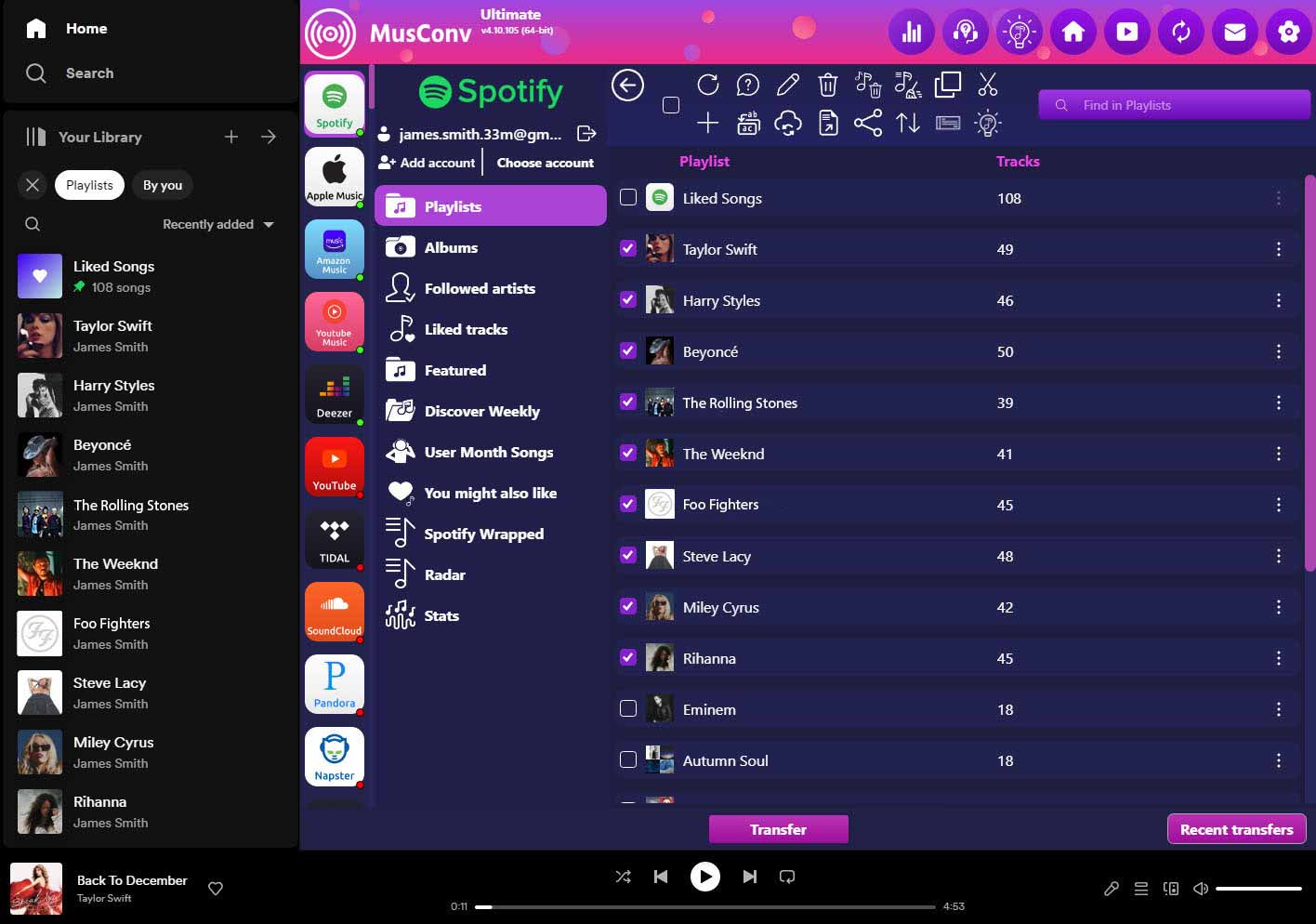
MusConv is a cross-platform migration tool that simplifies switching between music ecosystems. It serves as an automated assistant that gathers your curated content and replicates your entire musical footprint on a different streaming service.
Does the tool support niche or high-fidelity streaming services?
Absolutely. Beyond popular mainstream apps, the software covers a vast array of platforms, including Hi-Fi services, ensuring that audiophiles can move their lossless collections without losing their meticulously organized playlists.
What happens to my play counts and listening history?
While the tool excels at moving playlists, albums, and tracks, some platform-specific data like "play counts" may stay behind due to service limitations. However, it successfully recreates your library's structure so your musical identity remains intact.
Can I export my playlists to a file format like CSV or Excel?
Yes, the program allows you to back up your music data into various file formats. This is perfect for users who want a physical record of their library or wish to manage their music database using spreadsheet software.