


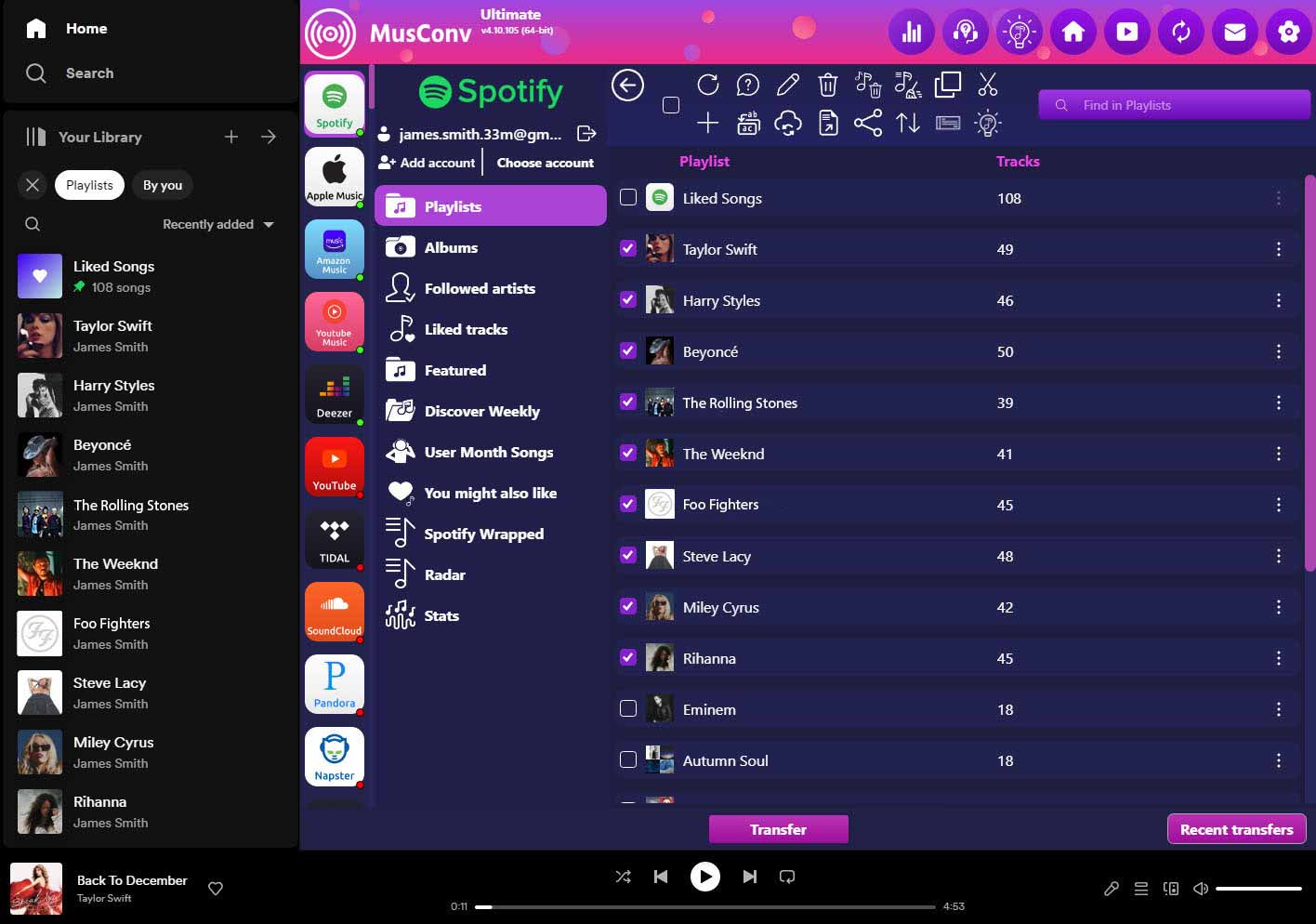
How do I move my playlists without starting over manually?
You can use MusConv, a specialized data bridge that connects both accounts, matches your tracks, and rebuilds your entire library and folder structure automatically.
Will MusConv transfer everything, including my "Liked" songs?
Yes. It can sync your metadata, albums, and liked tracks. To keep your new library clean, you can even set the tool to target only specific categories like "liked" content.
What happens if a song isn't available on the new platform?
Because of regional licensing, some tracks may stay "greyed out." MusConv provides a "failed to match" report so you can identify exactly which songs didn't make the jump.
Is it difficult to sync metadata and track orders?
No, the software handles the technical heavy lifting. It ensures that your track sequences and organizational folders remain intact during the transfer between the two services.


